Company check by ID number: what to verify before invoicing
An invoice nobody pays costs more than an hour of checking up front. Here is how to run a company check by ID number and what to look for.

In this article
You delivered the goods or the service, issued the invoice and now you wait. The due date passes, then comes a reminder, then another one, and finally you learn that the customer has debts, enforcement proceedings, or stopped operating long ago. Almost everyone who invoices knows this story. What hurts most is that it could often have been spotted before the first order. A company check by ID number would have been enough.
Why a company check by ID number pays off
A new customer is always a bit of a risk. They look professional, have a nice website and reply quickly, but none of that says whether they pay invoices. Public registers, on the other hand, contain facts that cannot be talked away.
The problem is that the information is scattered. The commercial register, debtor lists, VAT information and financial statements sit on different websites. By the fifth company of the day nobody has time, so the check gets skipped. And a skipped check is exactly what comes back later as an unpaid invoice.
A check is also not a sign of distrust towards a business partner. It is a normal part of running a tidy company, like a signed order or contract. A responsible partner has no problem with it, because they do the same when deciding whom to supply. This is especially useful when you trade with partners in Slovakia or the Czech Republic, where companies are identified by an eight-digit ID number (IČO).
What you can learn from the ID number
The eight-digit ID number is the key that reliably finds a company. Company names can be similar, the ID number is unique. From it you get:
- Basic data and tax numbers: register entry, date of establishment, main activity, tax ID and VAT ID, including since when the company has been a VAT payer. Dissolved companies are marked.
- The background check: tax reliability index, tax debt, debts to insurers, the list of VAT defaulters, claims of the state, court claims and enforcement proceedings.
- Directors and partners: who represents the company, as the register states it.
- Financial performance: revenue, income and profit by year from the financial statements the register provides.
What should you look at first?
You do not need to read everything. For a first order, three things are worth checking:
- Is the company active? A dissolved or newly founded company with no history calls for caution.
- Does it have debts to the state or enforcement proceedings? A company that does not pay its insurer or tax office is unlikely to pay you first.
- Did the managing director change recently? A change of management is not bad in itself, but combined with debts it deserves attention.
How to check a company step by step
The process can be the same for every new customer or supplier:
- Enter the ID number or start typing the company name and pick the right match from the list.
- Read the background check: reliability, debts, and whether the company is on the list of VAT defaulters.
- If everything looks fine, add the company as a client and its details are ready for the invoice.
If you cannot find the company, check the number. It may also be a natural person who is not in the register. In that case, enter them manually.
What if the check does not turn out well?
A bad result does not mean you must turn the job down. It means the deal deserves adjusted terms. For example, you can:
- ask for a deposit or payment in advance,
- shorten the payment term or deliver in smaller parts,
- postpone the job until the company settles its obligations,
- for a larger deal, also check the directors and related companies.
What matters is deciding with information in hand, not once the overdue invoice is sitting in a drawer.
What about a company that is fine today?
A one-off check shows today's state. A company with no debts today may have an enforcement case in six months. If you work with a customer for the long term, it is useful to monitor them. In Andromia you add the company to your watch list, and the system notifies you in the app and by e-mail about every change in its data. Monitoring is part of the company register at no extra charge.
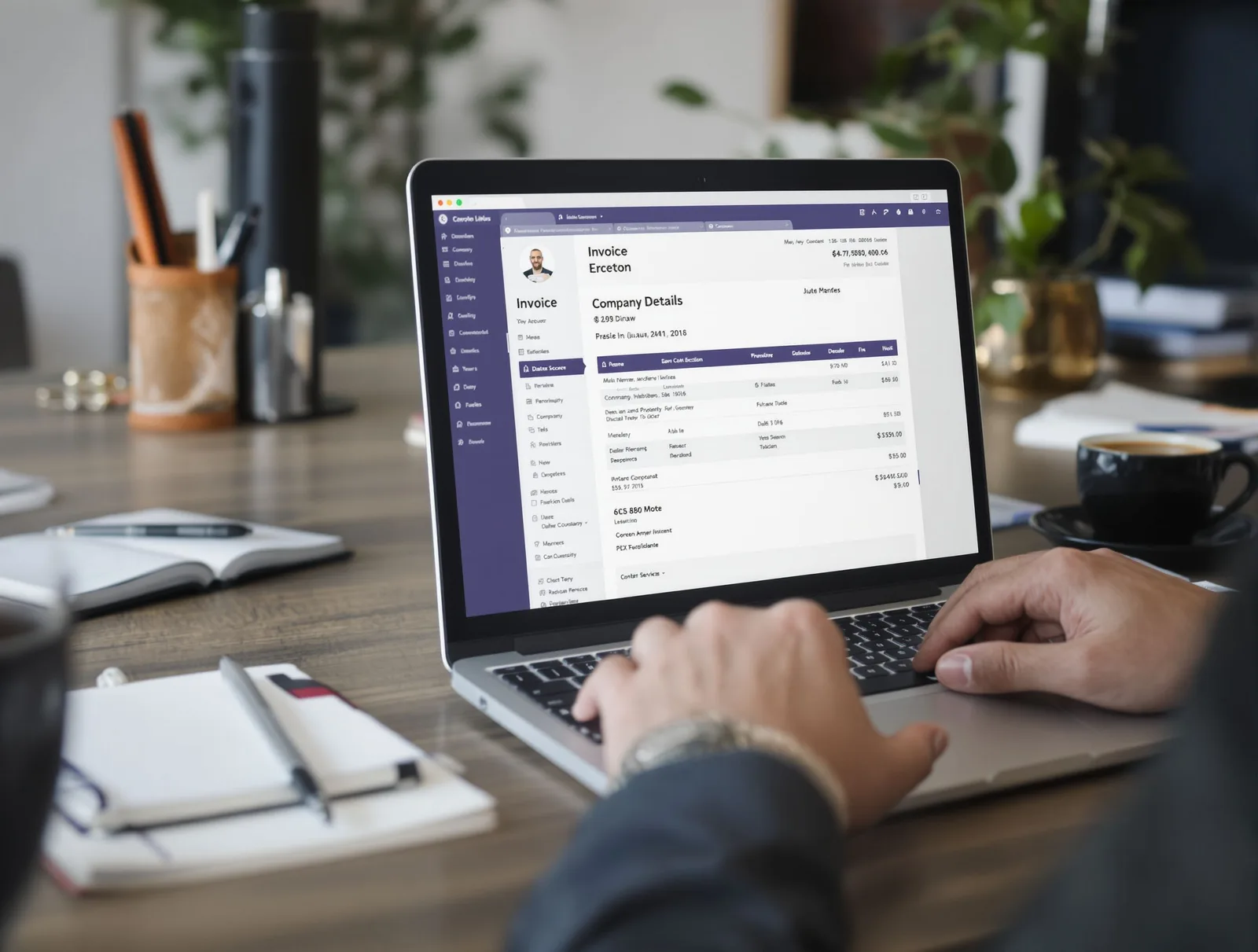
What it looks like in Andromia
The company register is included in the Basic, Team and Complete plans. For each result you see the time the data comes from and can reload it with a button. From the result you add the company to your clients in one click, and when issuing an invoice you have the ID number and tax IDs in one place.
The list of your recent searches is yours alone and can be deleted with one button. The organisation only keeps the number of searches. You can find details on the company register page and plans and prices on the pricing page.
If you are also interested in how to bring everything into one system, read One system for the whole company instead of five programs (in Slovak).
The day invoices stop being a worry
Picture a Monday when a new order does not mean stress. You enter the ID number, see within seconds who you are dealing with, and decide with the facts in hand. With a promising client you issue the invoice without worry, with a risky one you agree a deposit or decline. No searching across several websites and no unpleasant surprise two months later.
Try it on your own company or on the customer whose invoice you are preparing right now: Company register in Andromia.