Receipts in your wallet and evenings with a spreadsheet: stop retyping documents
Receipts from trips and purchases get lost, fade and have to be retyped by someone. Here is how to photograph them with your phone and let the data fill itself in, including VAT and line items.
In this article
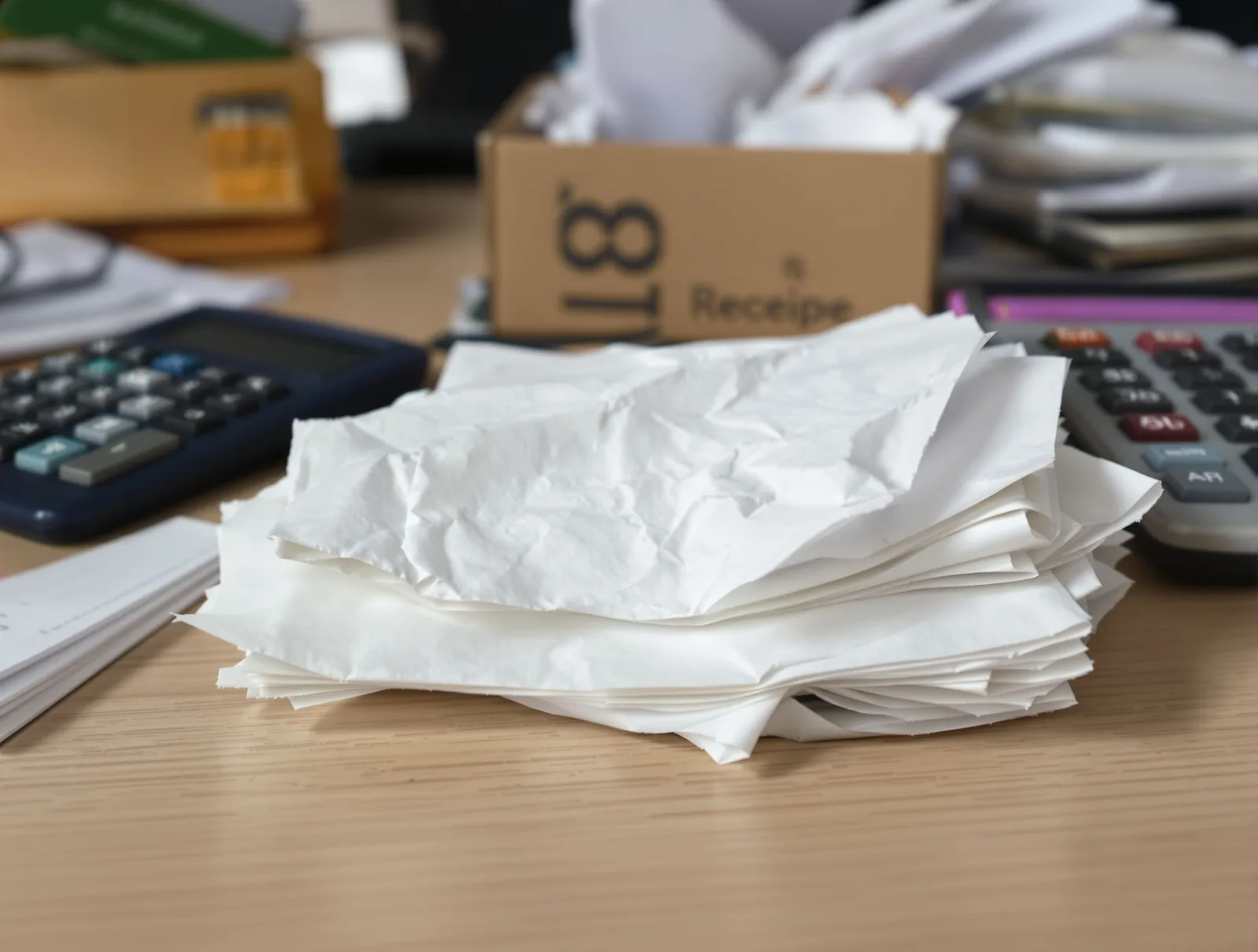
End of the month. A pile of receipts sits on the desk, half of them already faded, and there is surely one more from a business trip in your wallet. The accountant is waiting for the paperwork, you are trying to remember who paid for lunch with the client, and somebody is sitting over a spreadsheet in the evening, retyping amounts, dates and VAT. It is dull work, and even a careful person makes mistakes doing it.
Why almost every company struggles with receipts
A receipt is a small piece of paper with a big job. It proves an expense and is often the basis for a VAT deduction. It is also the least practical document there is: thermal print fades, paper gets lost, and the data comes in a form a computer cannot read.
You probably know the typical problems:
- the receipt gets lost before it reaches the accountant,
- someone retypes it and gets the amount or the VAT rate wrong,
- nobody knows which company or job the expense belongs to,
- documents are processed all at once at the end of the month, exactly when there is the most work anyway.
This is not about laziness. It is about a process that depends on someone remembering the receipt in time.
What it looks like when receipts are photographed right away
The simplest fix is to change the moment a document enters the system: not at month end, but at the time of purchase. That is exactly what the Scanned documents module in Andromia is for.
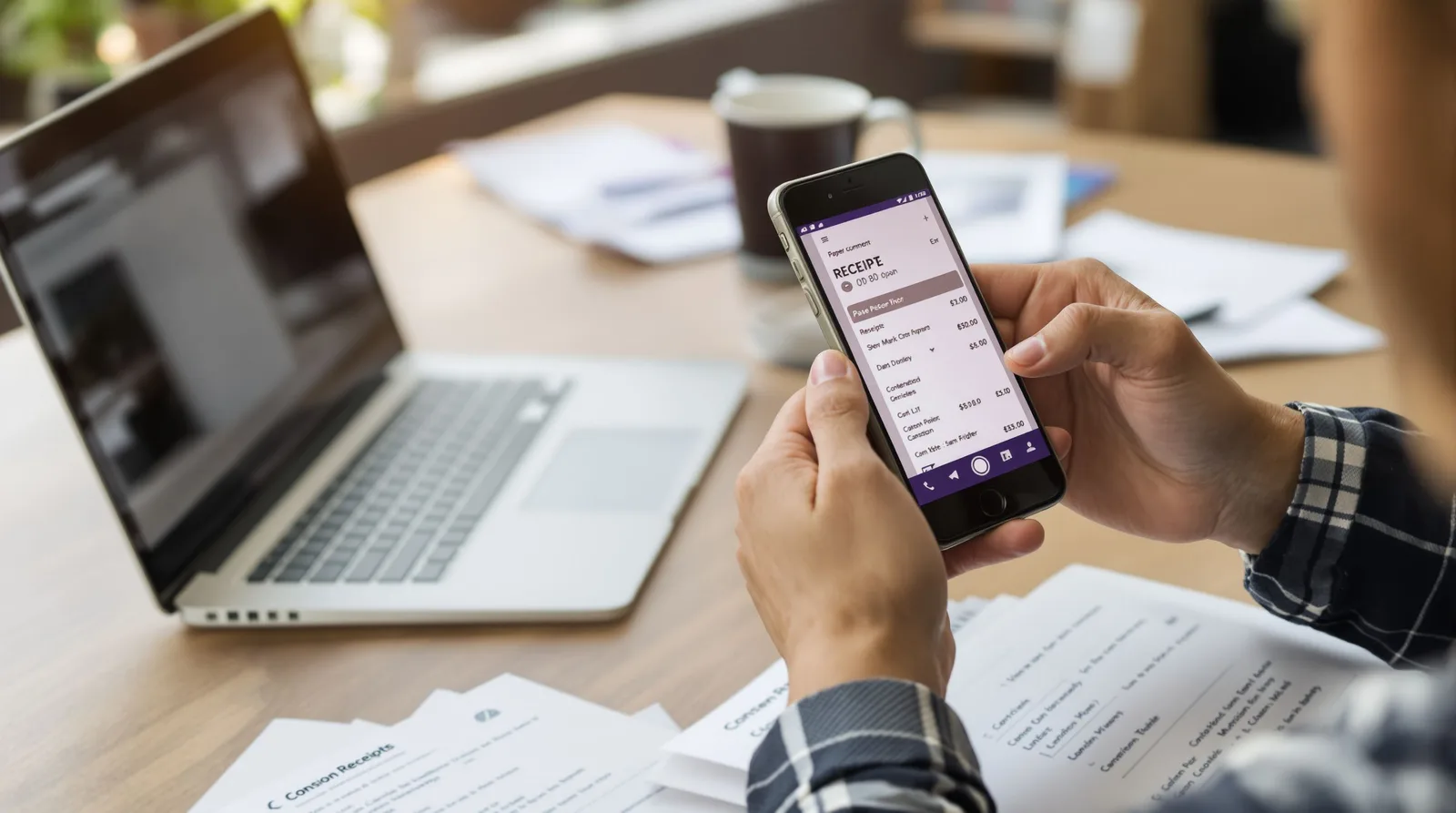
Take a photo or upload
On a phone the button opens the camera, on a computer you pick an image. You can upload several photos or PDFs at once. Each file is a separate document and is read on its own, so you do not wait for one after another.
The document is read
Artificial intelligence reads the seller with company and tax IDs, date and time, total, payment method, VAT summary and line items from the receipt. The status changes from "Reading" to "For review" and the list refreshes by itself. Slovak, Czech and German receipts are supported.
Check it next to the preview
You see the data next to the photo, so you can compare the two at a glance and correct what needs fixing. You assign the company the document belongs to. If the line items or the VAT summary do not add up to the document total, the form warns you. The decision stays with you; the system only shows where a second look is worthwhile.
Confirm
A confirmed document stays in the records next to your invoices and does not change until you send it back for review yourself. Your accountant receives documents with VAT broken down by rate and has nothing to retype.
What if a receipt cannot be read
This happens with crumpled or faded paper. The document gets the status "Not read" with a reason, and you fill in the data by hand. You can try reading it again later, for example from a better photo. So no document is lost just because the machine could not decipher it.
What about personal data in the photo
A question every sensible business owner asks: where does the photo go? According to the Andromia website, it is sent for reading to the Claude service from Anthropic, and before that hidden data, including location, is removed and the image is reduced in size. For an invoice or another document, only the type and name are stored. If your company has rules for data processing, it is worth mentioning them during rollout so the team knows what to photograph.
Who saves the most time
- Sales reps and field technicians. They photograph a receipt from a trip or a purchase immediately, so it does not stay in a wallet.
- Accounting. It receives data field by field and does not retype it from paper.
- Small business owners. Documents are in one place, next to invoices and assigned to the company they belong to.
The module is included in the Team and Complete plans. For exact prices and differences between plans, see the pricing page. The trial runs 14 days on the Complete plan, so you can try everything and choose a plan afterwards.
What the day looks like when it is solved
A sales rep buys material on the road, takes out a phone and photographs the receipt at the till. By the time they reach the office, the document has been read, and in the evening they check and confirm it in a minute. At month end there is no pile of paper, nobody retypes amounts, and the accountant gets the documents without chasing anyone. You have the comfortable feeling that the company's expenses are under control, not just somewhere in a drawer.
Want to see how it works on your own receipts? Take a look at the Scanned documents module page and start with 14 days free. You can also find related modules at invoices.